jiohotstar login Android App Review and Features Guide
Finding a reliable media streaming platform for Android devices can be challenging for users who want to access various entertainment channels, live sports, and regional content on the go. This comprehensive review examines the jiohotstar login application, exploring its core capabilities, supported devices, content categories, and essential safety considerations. Whether you are curious about how jiohotstar login features perform in daily use or want to understand jiohotstar login safety before proceeding, this guide provides the detailed facts you need to make an informed decision about your mobile streaming setup.
What is jiohotstar login
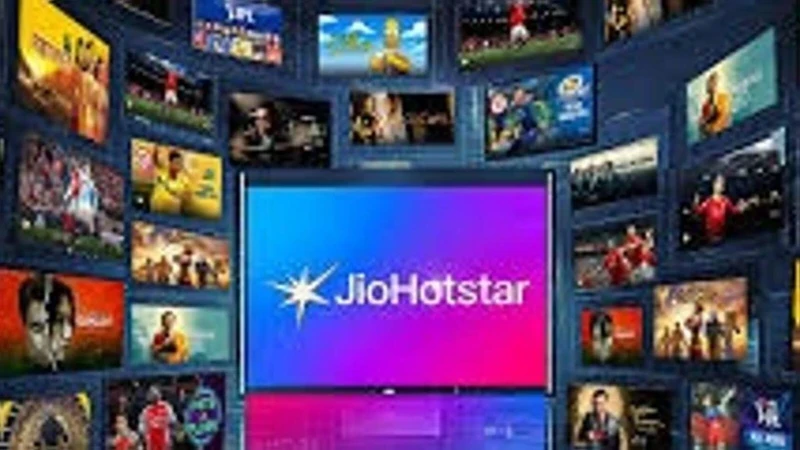
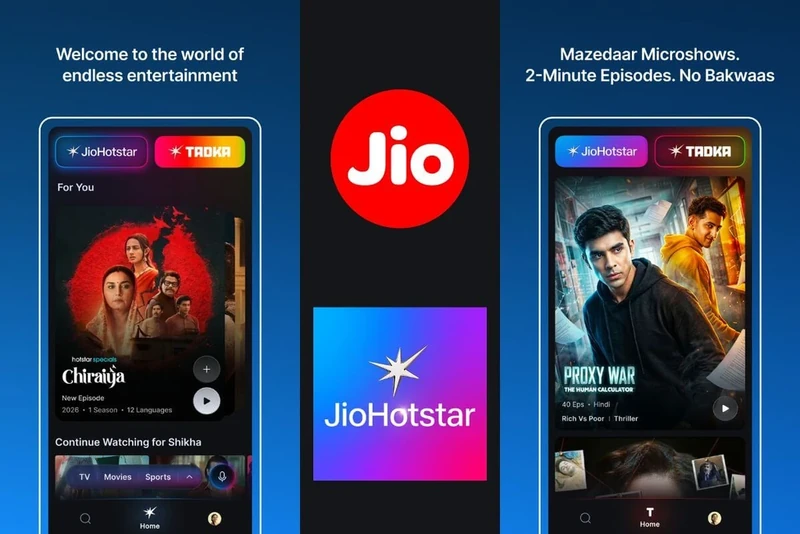
The jiohotstar login application is designed as a digital media streaming tool optimized for Android smartphones, tablets, and compatible smart television displays. It aggregates diverse programming genres into a single interface, offering users access to live television broadcasts, regional cinema, news bulletins, and family-oriented programming. The application organizes these offerings into structured categories to simplify navigation for everyday viewers.
Regarding its content sourcing and permissions, this page could not verify that the app holds licences for the content it offers. While third-party media players often aggregate international channels and regional broadcasts, users must exercise caution regarding the verified broadcasting rights of individual streams. Content availability can fluctuate depending on regional network updates and the operational status of external streaming servers.
Key Features
Live Channel Access
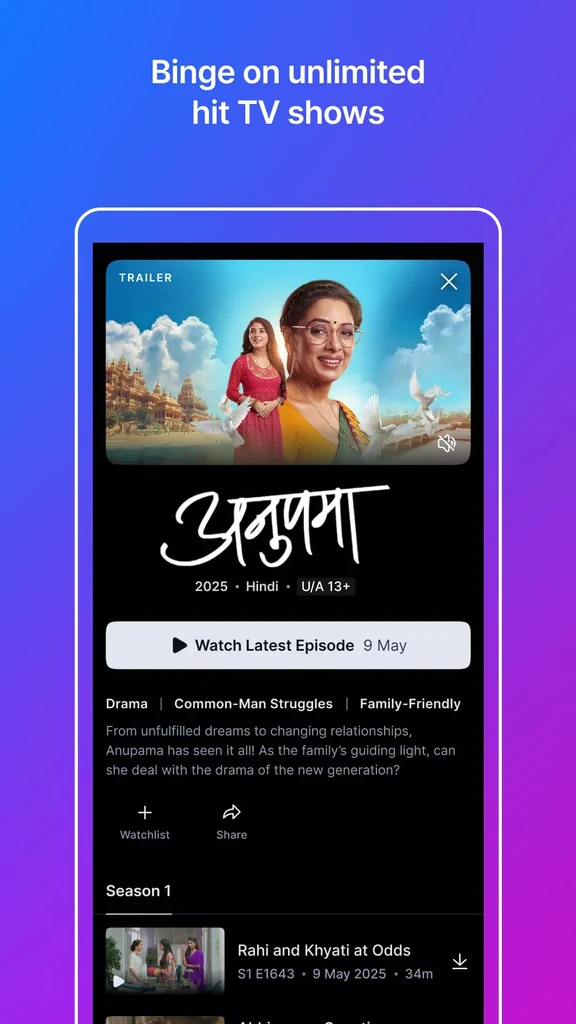
The jiohotstar login Android app provides access to a broad selection of live television channels spanning news, general entertainment, and regional broadcasts. This feature allows viewers to keep up with daily headlines and regional programs directly from their mobile devices without complex configuration steps.
Sports Streaming Capabilities
For sports enthusiasts, jiohotstar login features dedicated sports channel categories covering cricket, football, and international tournaments. The built-in player handles live match feeds, allowing fans to follow ongoing athletic events directly on their Android handsets.
High-Definition Playback
The internal video player supports multiple resolution settings, enabling high-definition streaming when network conditions permit. Users with stable broadband or high-speed mobile data connections can enjoy clearer picture fidelity and synchronized audio output.
Multilingual Content Support
To accommodate diverse audiences across different regions, the application supports content across multiple languages including Hindi, English, Tamil, Telugu, Bengali, and Punjabi, ensuring that viewers can find programming suited to their linguistic preferences.
Favorites and Quick Navigation
The interface includes a favorites list feature that lets users bookmark frequently watched channels or programs. This reduces search time during subsequent sessions and allows for immediate access to preferred content categories with minimal taps.
What You Can Watch
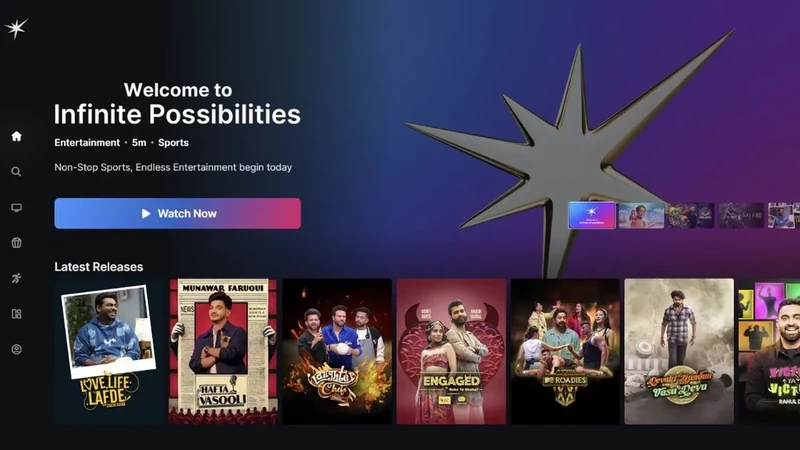
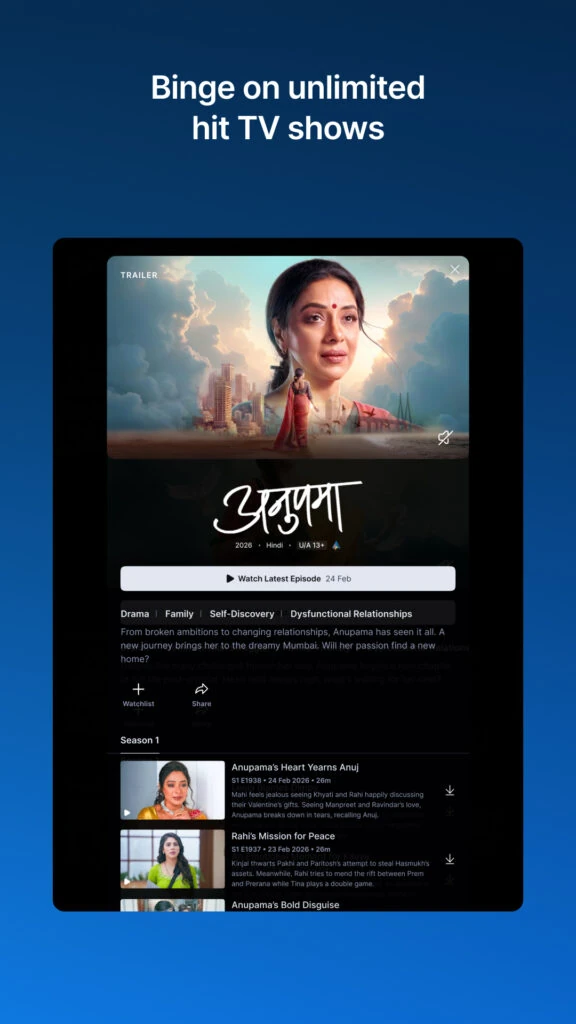
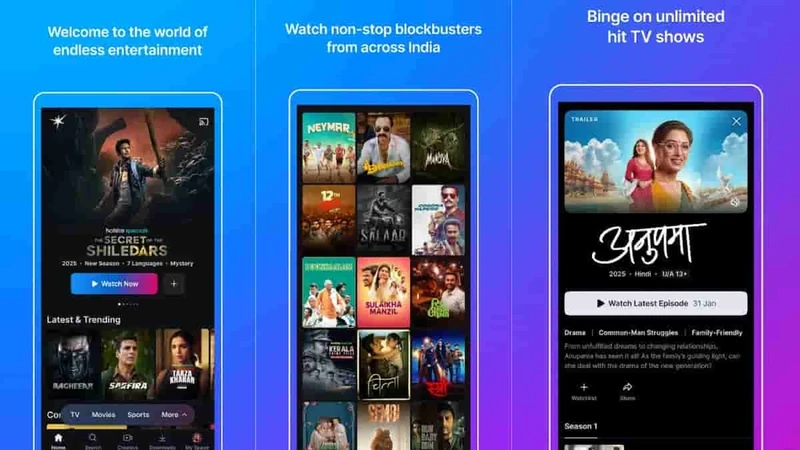
The platform organizes its media library into several distinct categories to serve diverse household preferences. Viewers can explore a wide range of Bollywood films, South Indian regional cinema, web series, and documentary features. Language options span major Indian languages such as Hindi, Tamil, Telugu, Bengali, and Urdu, alongside international programming.
In addition to narrative films and serialized dramas, the application includes dedicated sections for children featuring educational cartoons and animated shows. Radio channels and live news feeds are also integrated into the layout to provide general information and audio entertainment alongside standard video streams.
Device Compatibility
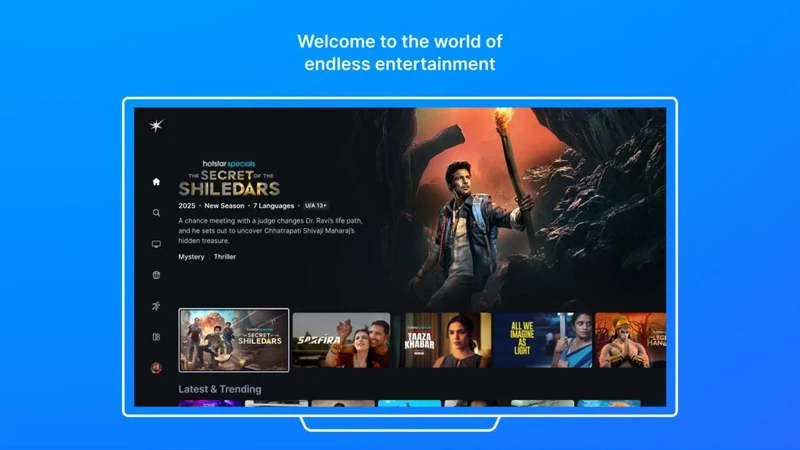
Understanding device compatibility is essential before installing any media application on your hardware setup. The jiohotstar login device compatibility profile includes:
- Android smartphones and mini tablets running standard touch interfaces
- Android TV boxes and smart television displays
- Amazon Firestick and related streaming peripherals
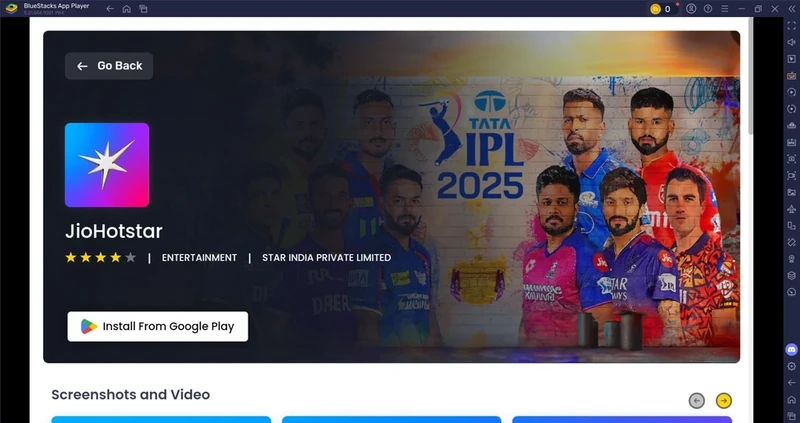
- Windows PC and laptop environments via Android emulators such as BlueStacks or NoxPlayer
jiohotstar login vs Licensed OTT Platforms
| Feature | jiohotstar login | Licensed OTT Platforms (e.g., Netflix, JioHotstar) |
|---|---|---|
| Content Authorisation | Not confirmed | Fully licensed and authorized |
| Subscription Cost | Free / Unverified | Tiered subscription models |
| Video Quality | Up to HD (network dependent) | HD, 4K HDR with Dolby Atmos |
| Ad Experience | Variable / Unregulated | Ad-free or structured ad tiers |
| Customer Support | Not provided | Dedicated 24/7 support |
| Update Source | Third-party APK sites | Official Google Play Store |
Pros and Cons
| Pros | Cons |
|---|---|
| Wide variety of live channels and regional media categories | This page could not verify that the app holds licences for the content it offers |
| Lightweight APK size suitable for low-RAM mobile devices | Not available on the official Google Play Store |
| Built-in multilingual support and favorite channel bookmarking | Potential stability issues and intermittent stream failures |
| Simple user interface with side-swipe volume and brightness controls | Security risks associated with downloading unverified APK files |
Safety and Legal Considerations
When considering the jiohotstar login safety profile, users must evaluate the inherent risks of installing applications sourced outside official app marketplaces. Downloading software packages from unverified third-party websites can expose Android devices to malware, adware, or improperly structured executable files that request excessive system permissions, such as access to device storage, contact lists, or microphone hardware.
Furthermore, this page could not verify that the app holds licences for the content it offers. Streaming copyrighted material through unverified third-party applications may present legal liabilities under local copyright regulations in India. Users are strongly advised to review copyright laws and evaluate the source authenticity of any streaming tool before installation.
Before installing any third-party APK, it is prudent to perform basic security checks: verify the developer's identity, scrutinize requested app permissions carefully, and run an active scan using Google Play Protect or a trusted mobile antivirus solution to safeguard personal data.
Before You Install
Because this application is not distributed through official authorized channels like the Google Play Store and its content licensing status cannot be independently verified, users should carefully review the following safety checklist:
- Confirm that your device security settings restrict installation from unknown sources unless absolutely necessary.
- Inspect all requested app permissions to ensure the application does not demand access to sensitive personal data.
- Scan downloaded package files with reputable mobile security software.
- Consider utilizing fully licensed, authorized Indian streaming services for guaranteed content security and stable playback.
Common Problems
Users streaming media through third-party Android apps occasionally encounter technical hurdles. Here are standard troubleshooting steps for common issues:
- Buffering and Lag: Check your Wi-Fi or mobile data connection speed, clear the application cache from your device settings, or restart your router.
- Audio Out of Sync: Restart the media player or switch between different available stream sources within the application.
- App Crashing on Startup: Ensure your device has sufficient free storage space and verify that you are running a compatible Android version.
Licensed Alternatives
For viewers seeking secure, authorized streaming options with guaranteed content licenses and reliable customer support, consider these official platforms operating in India:
- JioHotstar: A major Indian streaming platform offering extensive live sports, blockbusters, and original web series. Ideal for cricket fans and mainstream entertainment seekers.
- Netflix: A global subscription service providing a vast library of international movies, award-winning series, and local Indian productions. Best for premium ad-free viewing.
- Prime Video: An established streaming service featuring regional and international cinema, live sports, and exclusive Amazon Originals. Suitable for diverse household entertainment.
- SonyLIV: A popular regional network platform offering live sports broadcasts, football leagues, and original Hindi and regional language dramas.
FAQ
Is jiohotstar login safe to install on Android devices?
Safety depends entirely on the download source. Because the app is not hosted on official app stores, downloading it from unverified websites carries risks of malware and excessive permission requests. Always scan APK files with antivirus software before installation.
Does jiohotstar login hold official content licences?
This page could not verify that the app holds licences for the content it offers. Users should exercise caution regarding the broadcasting rights of third-party streaming applications.
Can I download jiohotstar login from the Google Play Store?
No, the application is not officially listed on the Google Play Store. It is typically distributed as an APK file through third-party websites, which requires manual installation procedures.
What should I do if live channels stop working?
Streaming interruptions are often caused by unstable internet connections or server-side maintenance. Try checking your network speed, clearing the app cache, or restarting your Android device.
Are there authorized alternatives to this app?
Yes, numerous legal streaming platforms operate in India, including JioHotstar, Netflix, Prime Video, SonyLIV, and ZEE5, offering verified content and secure playback environments.
Conclusion
The jiohotstar login Android application offers an array of live channels and entertainment categories for mobile users, but it comes with notable caveats regarding unverified content licensing and third-party APK distribution risks. While its lightweight design and diverse channel lineup may appeal to casual viewers, users must carefully weigh safety considerations and potential legal ambiguities. For a secure, stable, and fully authorized streaming experience, exploring certified Indian OTT platforms remains the recommended approach.